IBM Full Stack Developer Coursera (Part4)

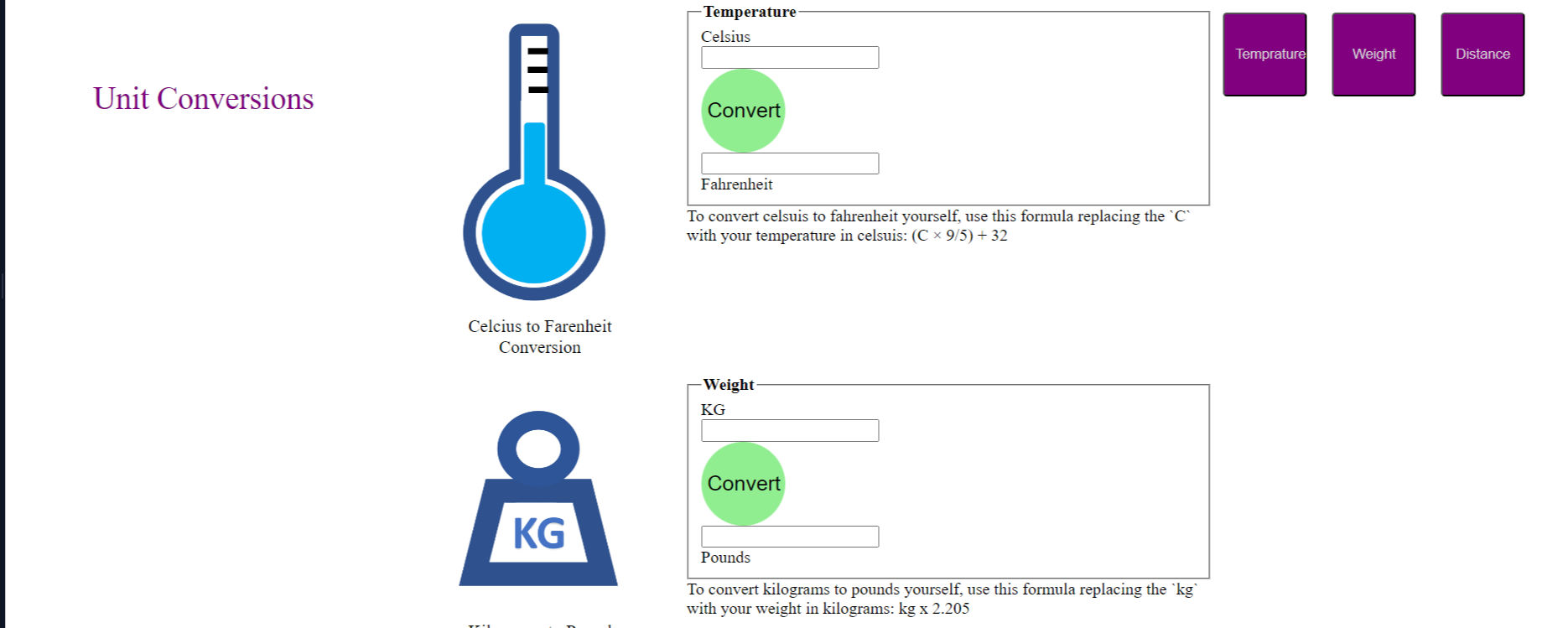
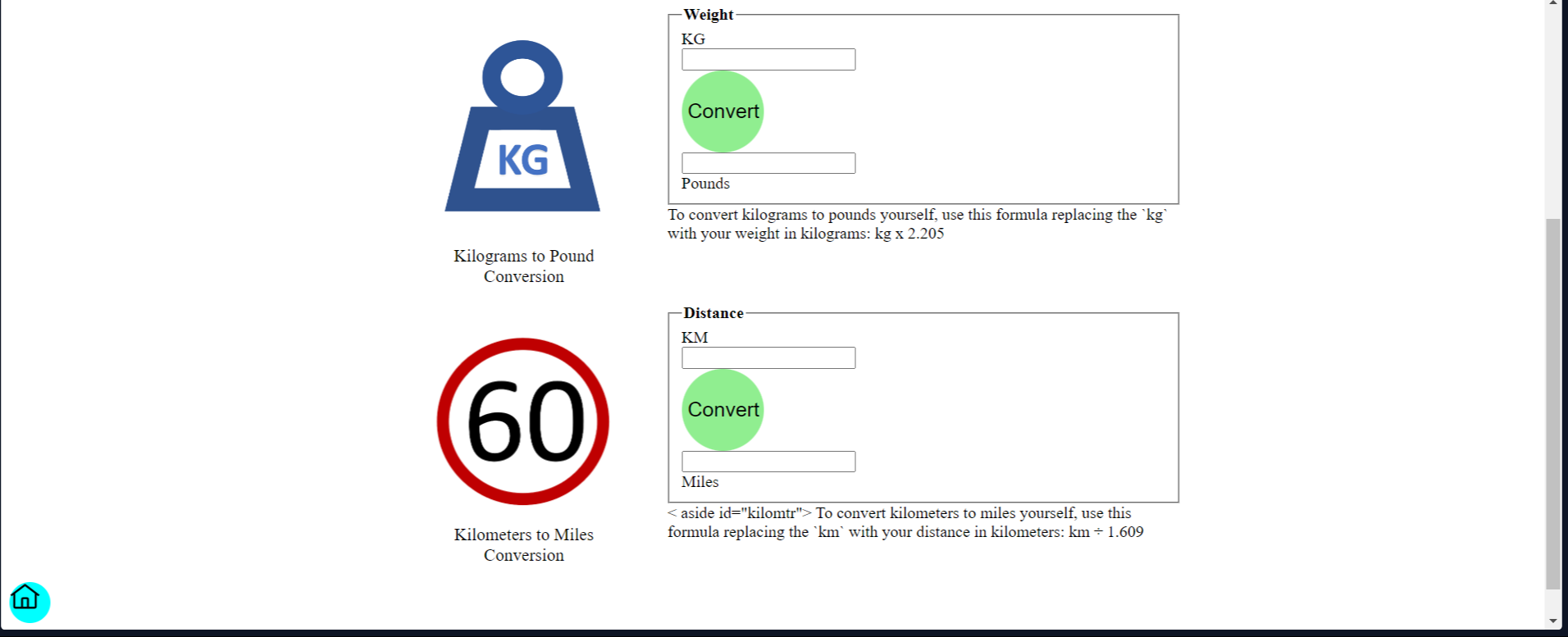
Completed Module -3/5 from Course- 2/12
My_code:"https://youtu.be/_1TaBvxUbcI"
What I Learned
I learnt to integrate CSS in html file and how the syntax are used.
< tag_name style="color: lightgray; background-color:purple; margin: 10px; padding: 10px; border-radius: 1mm;> </tag_name> .
How 'IDs' gives freedom in customizing the website e.g.,
<section id="distance">
<div id="dist">
...
</div>
</section>
-CSS file:
//container
.distance{
border-top-color: cyan;
}
What is the use of : padding\margin \ border-radius \ font-size \ justify-content \ background-color \ justify-self \ float \ self-allign \ text-allign \ border-color.
Use of IDs, tags and classes (Css)
A] Selectors Tags- tagName {styles for the elements with the specified tag name}
e.g.,
button { color: blue; font-size: 24px; }
legend{ color: tomato; font-size: 20px; }
B] IDs Selectors-I Ds are used to identify and style a single element. They are unique and can be applied to only one element on.
e.g.,
#temprature{ background-color: rebeccapurple; padding: 30px; }
#Weight{ background-color: darkolivegreen; padding: 30px; }
C] Class Selectors- .className { Styles for the elements with the specified class}
e.g.,
.highlights{ background-color: #ffd700; color: #333; }

![React Beginner [project based learning]](https://cdn.hashnode.com/res/hashnode/image/upload/v1725214935692/ae3dd028-c656-4bf0-8c57-588feeedba13.jpeg)