React Beginner
Problems that I encountered:
I deleted few files using command remove ; because of it I was not able to run the file in the browser it was giving me an error as : "Module not found"
Solution : I used the command for installation again ;I tried seeing it on stack overflow 😒 but it was hard for me as a beginner so I installed it again, and it worked .
Commands I used :
npx create-react-app myfirstapp
npm start
npm install
npm init vite animalfarm
npm run dev
What I Learned:
Installing react :
a. Opened command prompt
b. Used this command: 'npx create-react-app myfirstapp' to create a react application of name 'myfirstapp'.
c. React was not installed in pc so it started installing necessary packages.
d. This command used to start my application after cd/myfirstapp :
' npm start'
d. A local and my network url having a port number is given through which I can see this on browser .
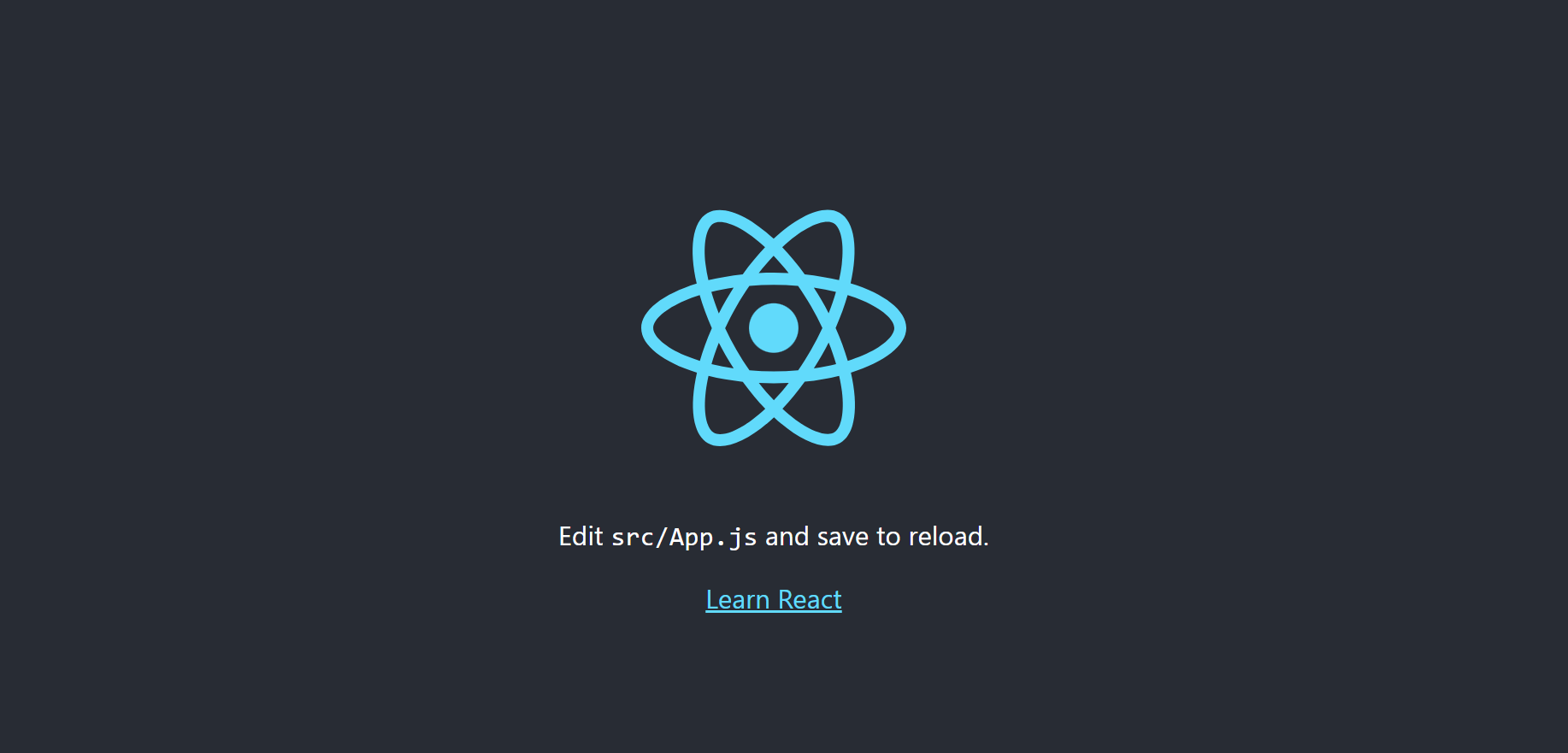
e. To exit click 'ctrl+c' on prompt command.
New Tool:
npm init vite animalfarm ; I got to know a new tool name "vite" I will use react framework, creating a file "animalfarm";
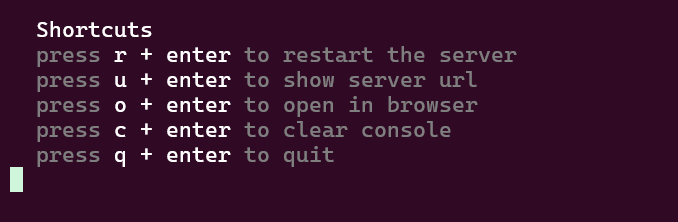
in commmand prompt using "h + enter"
it shows few shortcut keys :
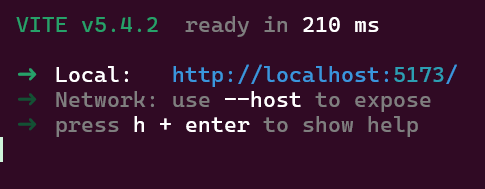
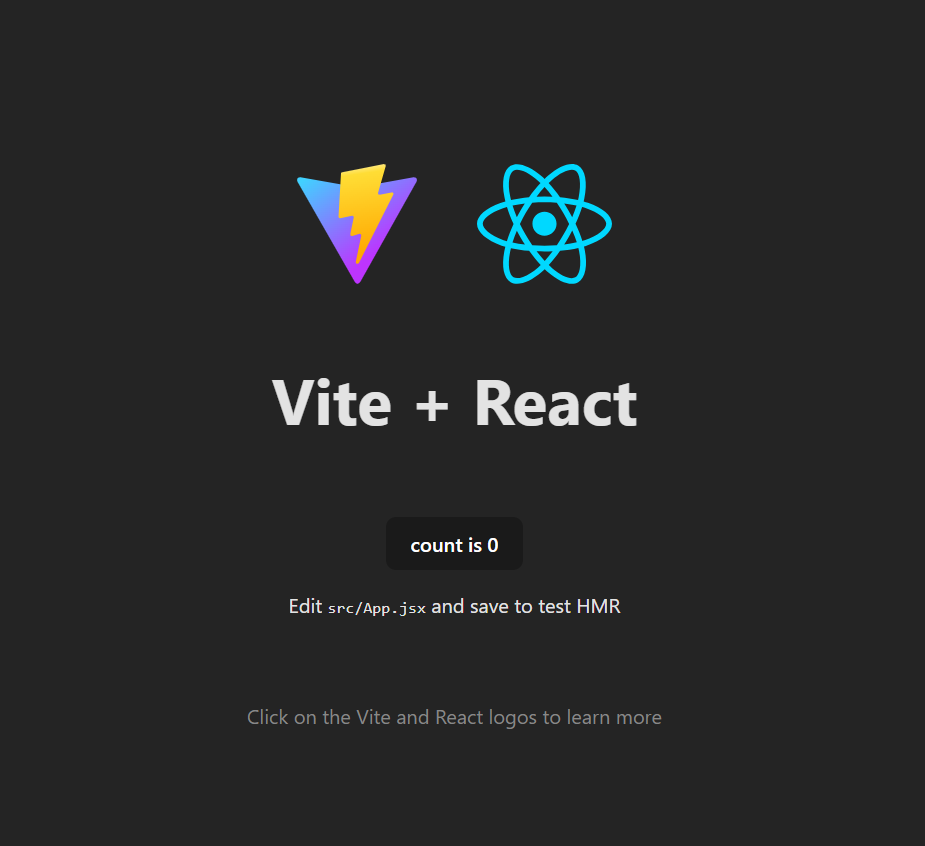
npm run dev; this command is used to execute and shows this page below in the browser , if I click on the count button it increments the count,
if I reset the server the count goes to initial zero.using "u+enter" it shows the url of server.
![React Beginner [project based learning]](https://cdn.hashnode.com/res/hashnode/image/upload/v1725214935692/ae3dd028-c656-4bf0-8c57-588feeedba13.jpeg)