IBM Full Stack Developer Coursera (Part3)

What I Learned
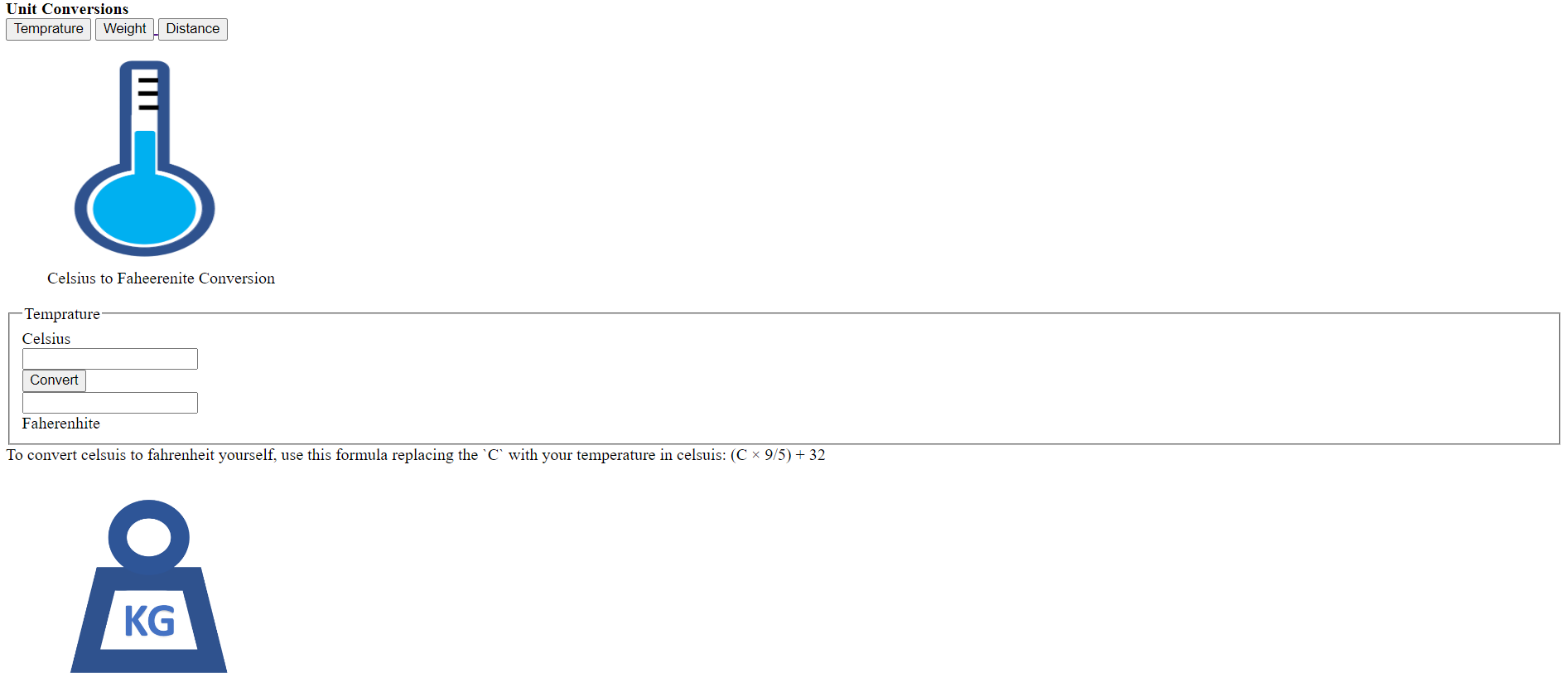
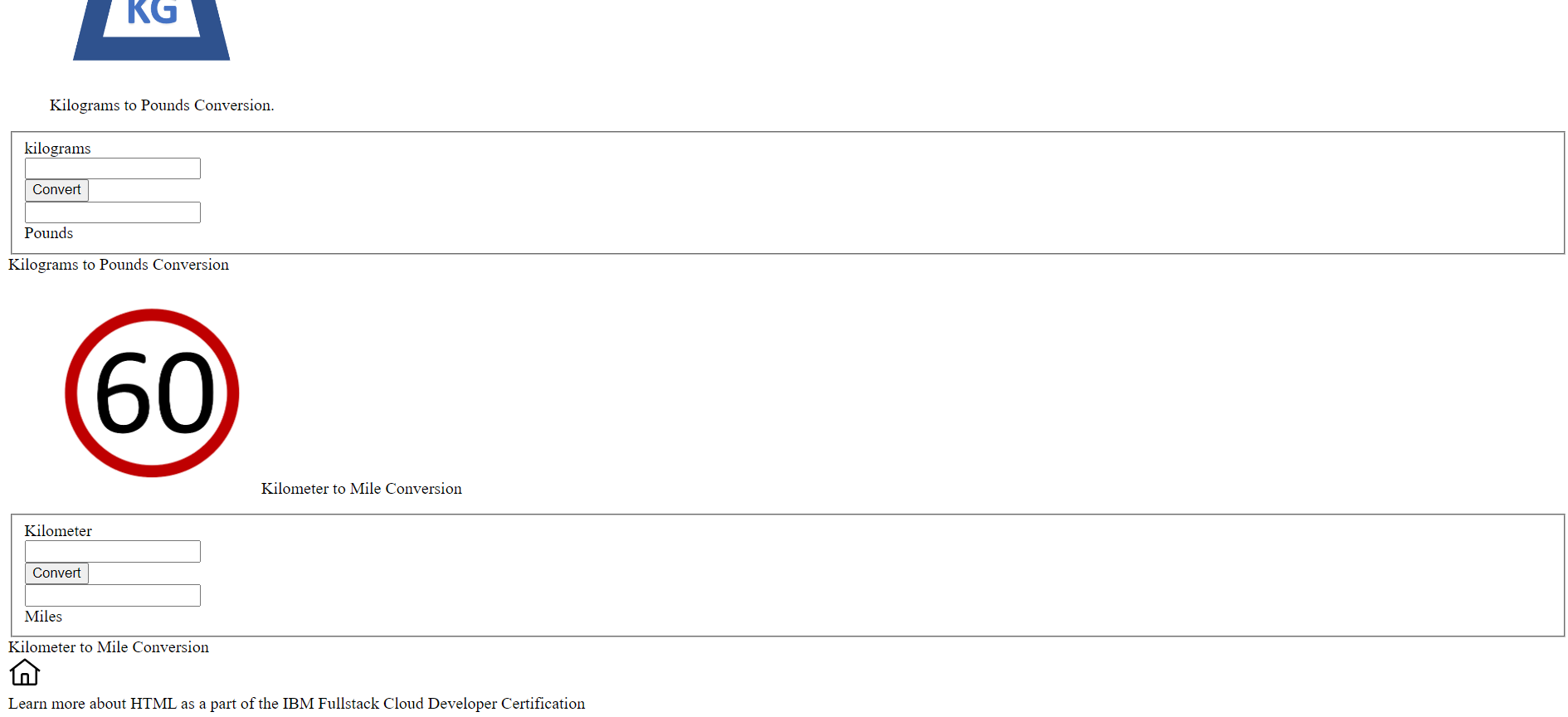
How to use tags such as a)<fieldset> <label for = "temprature " Celsius></label>
<input type = "number" id ="c" >
</fieldset>
How to create buttons e.g., <button id="temprature">convert</button>
Use of <footer> Learn more about HTML as a part of the IBM Fullstack Cloud Developer Certification </footer > it puts the text at the bottom of the webpage.
Use of the tags -->
a)<div></div> :To create a division in between you can insert paragraphgs , audio ,etc...
b) <section></section>: It is used to create a separate part in webpage
c) <figure></figure>: Used to create a segment in the webpage to inser any image ,etc...
d)<!-- The tag defines self-contained content, such as a diagram or photo, that is referred to from the main content. The content within the element should be related to the main content, but still independant in such a way that if removed from the document, it would not affect the flow.
e) <section id = "temprature"> : Used to hang the #temprature to the above section of the webpage so when a user clicks on the temprature it will take user to the id="temprature"
f) <article> <h1>...</h1> </article>: is more specifi than section it has its own meaning therefore heading is given rif=ght after the tags
g)Embeeding Content like audio , graphics plugin applicatioons , subtitles for audio and video faormat in (.vtt)


![React Beginner [project based learning]](https://cdn.hashnode.com/res/hashnode/image/upload/v1725214935692/ae3dd028-c656-4bf0-8c57-588feeedba13.jpeg)